Once you have uploaded your product samples, items, materials, guides, and patient support materials to RxTro, they will appear in the 'Item requests' for primary care users. From there, clinics can browse everything listed and place their requests.
What primary care sees:
When a primary care user wants to request items, they can do so by:
1. Logging into their RxTro-clinic account.
2. From their left-hand menu, they can select Item requests
3. See and select the products listed and tick the number of quantities required.
4. Click Request items/samples
Email Notification:
When a clinic places a request, the industry partners and representatives on the relevant team are notified by an email. The email includes the clinic name and the items requested as well as the doctor who requested it.
How to view item requests?
Once you receive the email notification prompting you to log in to Rxtro, you can do the following to successfully fulfil the request:
1. Log in to RxTro.
2. From the left-hand menu, select 'Rxorders'
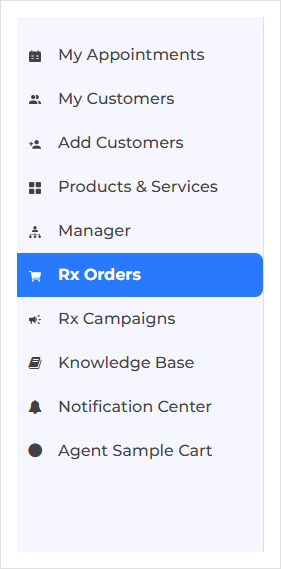
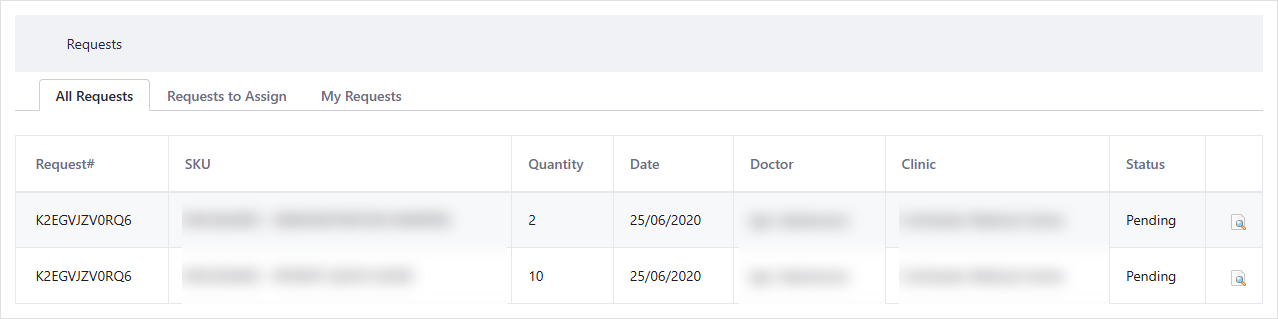
3. You will see three tabs:
- All requests: View all sample requests.
- Request to assign: View requests available to be assigned.
- My Requests: View requests assigned to you.
How to assign a request to yourself
1. Select the 'Requests to assign' tab.
2. Review the available requests. Each request shows the items requested, SKU, quantity, date, and the doctor's and clinic's names.
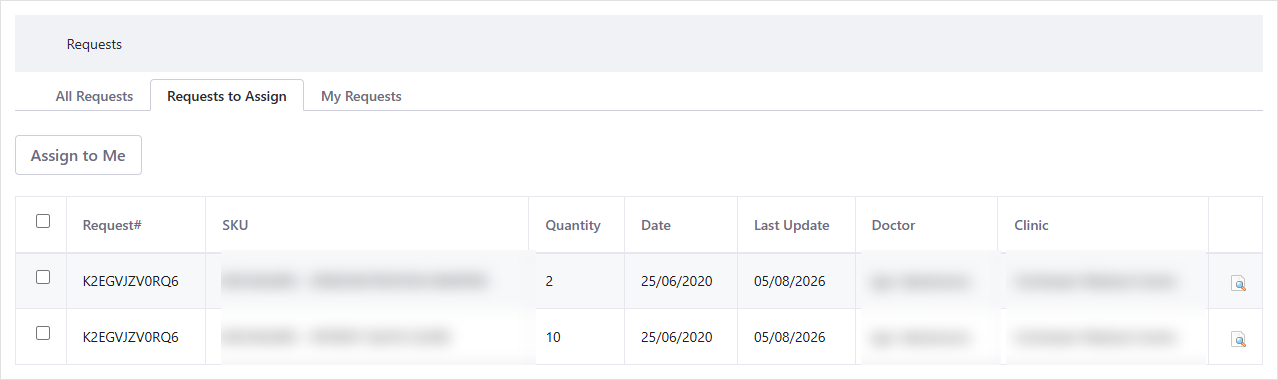
3. Select the checkbox next to the request you want to fill.
4. Click 'Assign to me'
5. The request will now appear under the 'My request' tab.
How to Manage Your Requests
1. Select the 'My requests' tab to view the requests assigned to you.
2. From here, you can:
- Select unassign to release a request if you no longer wish to fulfil it. It will return to 'Requests to assign'.
- Select 'Confirm' to confirm the request.

Completing the item request
Once a request is assigned to you:
1. Contact the clinic to arrange a suitable time to deliver the requested items.
2. Complete the sample request with the clinic.
Use RxTro to manage and track the status of your requests.


 AUS
AUS
 can
can